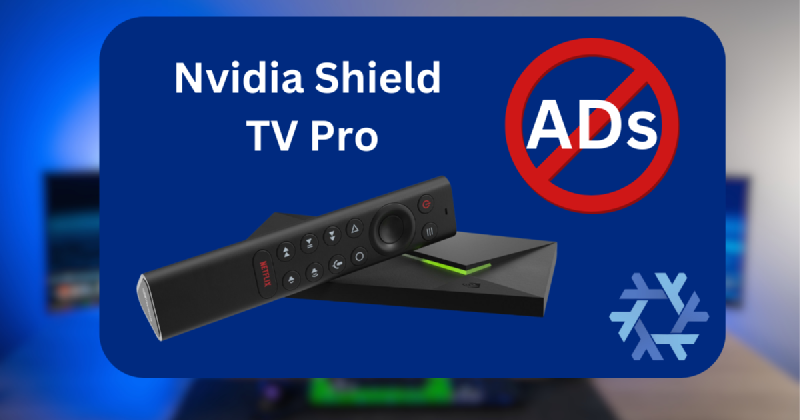
Getting Rid of Launcher Ads on Nvidia Shield TV Pro #
A few years ago, Android on the Nvidia Shield starting putting ads directly in the launcher (even if you rolled back to earlier android versions). They are using hard-coded addresses (so DNS blocking like Pihole doesn’t work) so it was proving not trivial to stop the stock app launcher from showing ads.
Recently the ads have gotten a bit worse so I decided to check online if there was a viable solution to get rid of ads on the home screen.
Happily there are a few launchers that could replace the stock Android launcher (I ended up going with Projectivy Launcher), there are just a few steps to ensure that the stock launcher does not come back. Install your desired launcher before moving on.
Following along with this reddit post, I made a quick direnv setup for NixOS to pull the android tools and quickly turn off the stock launcher and recommendations.
.envrc #
if grep -q "NixOS" /etc/os-release; then
  use nix
fi
shell.nix #
{ pkgs ? import <nixpkgs> {} }:
pkgs.mkShell {
  buildInputs = [
    pkgs.android-tools
  ];

  shellHook = ''
    echo "Android tools environment activated!"
  '';
}
Once you activate the direnv with ‘direnv allow’, you follow the reddit post to enable debug mode and run these commands
adb connect x.x.x.x

adb shell pm disable-user --user 0 com.google.android.tvlauncher

adb shell pm disable-user --user 0 com.google.android.tvrecommendations
If you have another launcher installed, it should just pop up now and you are in the clear!
Side Quest to defeat the Shield TV remote Netflix Button #
I don’t know about you, but the hardware bloat of the Netflix button on the Nvidia Shield remote does not inspire me.
Since the remote does not have a mute button, I had a thought about how I could repurpose the Netflix button to be a mute button.
Turns out it is super easy:
-
Download Button Remapper, enable accessibility for it (critical to allow it to remap buttons)
-
Add Buttons - Add the Netflix button (my shield says it is remote button_12), then Select Media -> Mute as the single tap option
Now the Netflix button with be the mute button, and Netflix won’t pop up and make you sad. Win, win, win imo.